How to Sell Canva Templates Online in 2026 (Without Losing Margins to Fees)
Learn how to create, license, package, and sell Canva templates online in 2026. Avoid marketplace fee cuts and build your own profitable template storefront.
How to Sell Canva Templates Online in 2026 (Without Losing Margins to Fees)
With over 190 million monthly active users, Canva has become the default design tool for small business owners, social media managers, educators, and event planners. Yet most people still struggle with layout hierarchy, typography pairing, and brand consistency.
That gap is why Canva templates are one of the most reliable digital products you can sell in 2026. Once you design a 30-pack of Instagram carousels, a media kit, or a real estate flyer bundle, you can sell that exact template link thousands of times with zero inventory cost.
In this guide, you'll learn Canva's commercial licensing rules, what niches convert best, how to package your template links professionally, and how to keep up to 100% of your revenue.
1. Understand Canva's Commercial Licensing Rules First
Before selling your first template, make sure your designs follow Canva's Content License Agreement:
- You Must Sell via a Canva Template Link (When Using Canva Elements): You cannot take a single stock icon from Canva, export it as a standalone SVG/PNG, and sell it as clip art. However, you are explicitly allowed to design original template layouts and sell access via a Canva Template Link that brings the buyer back into Canva to edit.
- Use Free Canva Elements for Your Buyers: While you need a Canva Pro account to generate a "Template link," most of your buyers will be on Canva's Free plan. Always filter your element and font searches to Free (or upload your own original vector graphics) so your customers aren't hit with watermark paywalls after purchasing from you.
2. Choose a Profitable Canva Template Niche
Generic "10 random Instagram quotes" packs struggle to stand out. High-earning Canva template creators build complete visual toolkits for a specific profession or life event:
- Real Estate Agents: Open house flyers, "Just Sold" Instagram reels covers, buyer/seller guides, and neighborhood market report packets ($25–$49).
- Coaches, Course Creators & Consultants: Lead magnet e-book workbooks, webinar slide decks, and client welcome packets ($19–$45).
- Content Creators & Podcasters: Sponsorship media kits, YouTube thumbnail systems, and carousel storytelling templates ($15–$35).
- Weddings & Events: Editable invitation suites, seating charts, menu cards, and bridal shower games ($12–$29).
- Job Seekers & Freelancers: Modern ATS-friendly resume templates, cover letters, and portfolio presentations ($12–$29).
(Want more ideas? Browse our list of the 15 Most Profitable Digital Products to Sell in 2026.)
3. How to Generate & Package Your Canva Template Link
You cannot download a .canva file to your hard drive. Instead, Canva templates are delivered via a special Template Link that creates a fresh copy in the buyer's own Canva account without altering your master file.
Creating the Template Link
- Open your finished design in Canva and double-check that the file title is clean (e.g.,
Real Estate Seller Guide - Master Template). - Click Share in the top-right corner → click More → select Template link.
- Click Create template link and copy the URL.
Creating the Buyer Access PDF
Also inside Canva, design a sleek 1-to-2-page Buyer Access PDF:
- Add a clear call-to-action button (
Open 30 Instagram Post Templates in Canva) and hyperlink it to your Canva Template Link. - If your bundle includes multiple formats (e.g., Square Posts, Stories, and Carousels), list a separate clearly labeled button for each link on the same PDF sheet.
- Include 3 quick tips on how buyers can swap your placeholder photos with their own brand colors and fonts in one click.
- Export this sheet as PDF Standard (checking Flatten PDF is not recommended over your hyperlink buttons so the links remain clickable!).
4. Where to Sell Canva Templates: Marketplace vs. Your Own Store
Many Canva creators start on Etsy, only to discover that on a $12 template pack, Etsy's $0.20 listing fee, 6.5% transaction fee, payment processing fee, and 12%–15% Offsite Ads fee can wipe out over 20% of their income—and Etsy never lets you export your buyer email list (see our breakdown of the Best Etsy Alternatives for Digital Products).
Why Canva Creators Build Their Store on Djaty
With Djaty, you get a dedicated, visually stunning storefront built for template creators:
- $0 Listing Fees & 0%–5% Transaction Fees: Start for $0/month on the Basic plan (5% fee), upgrade to Premium ($9/mo or $5/mo yearly for 2% fees), or keep 100% with 0% transaction fees on Elite ($29/mo or $19/mo yearly).
- The Personal Buyer Library: What happens if a customer loses their download email six months later, or you add 15 new bonus slides to your Canva pack? On Djaty, every buyer has a permanent Personal Buyer Library. You can update your Access PDF or post new instructions anytime, and every customer immediately sees the updated version in their library!
- 100% Email List Ownership: Every time someone buys a $15 template pack, they join your customer list—making it effortless to email them when you launch your next template bundle.
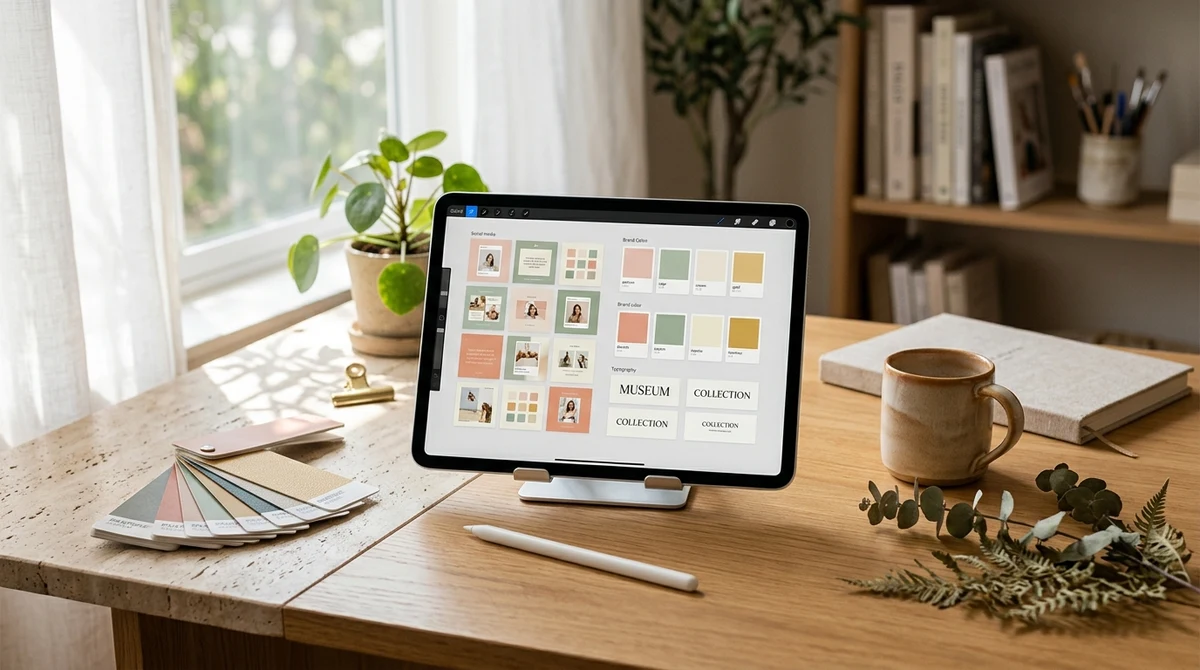
5. Create High-Converting Product Mockups
Buyers judge Canva templates in 2 seconds based on your cover mockup:
- Export 6 to 10 pages of your template as high-resolution PNGs.
- Place them inside clean tablet, laptop, or angled paper mockups with a bold title banner showing exactly what's inside (e.g., "65 Editable Pages • Instant Access • Works with Free Canva").
- Upload your mockups and Access PDF to your Djaty store, and share your link across Pinterest, Instagram Reels, and TikTok!
Ready to start selling your Canva designs without marketplace cuts? Launch your free Canva template store on Djaty today.